Accessing Usage by ICCID and endpointName in CityKinect Dashboard
2. Login Your Account
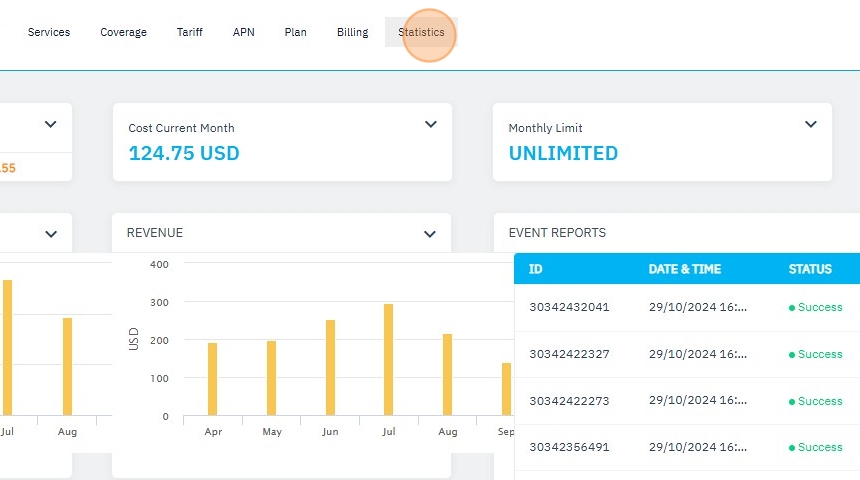
3. Click "Statistics"
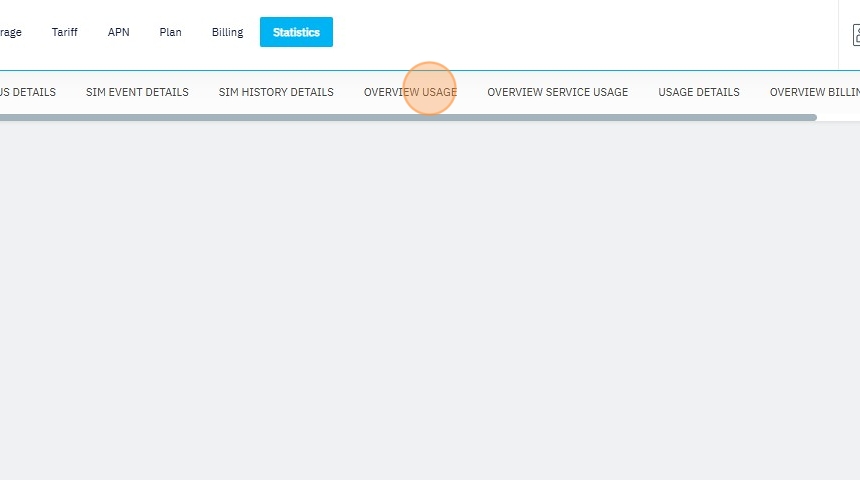
4. Click "OVERVIEW USAGE"
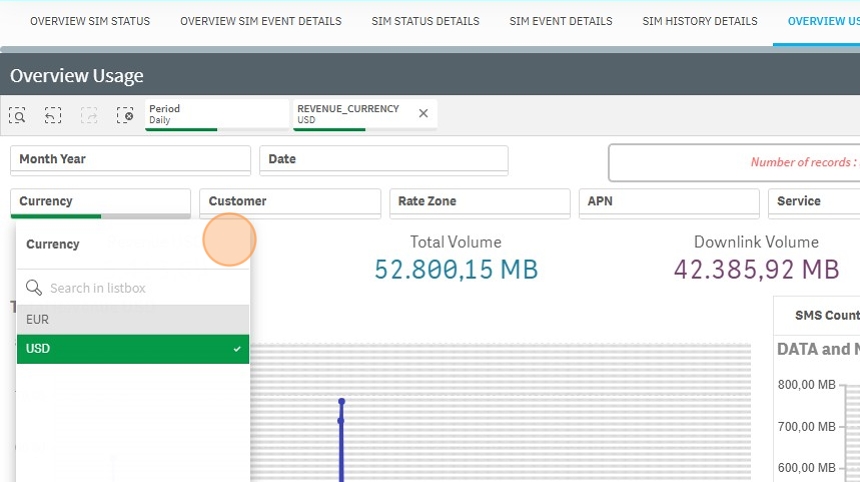
5. [[Change currency to USD]] or as required

6. Click "USD"

7. Click the check icon.
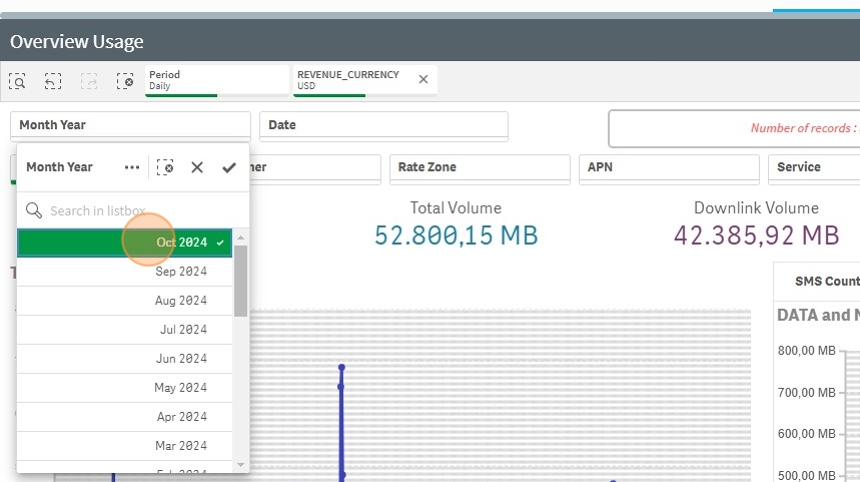
8. [[Select Month to October 2023 or the month you are trying to view and hit checkmark]]

9. Select Your Month
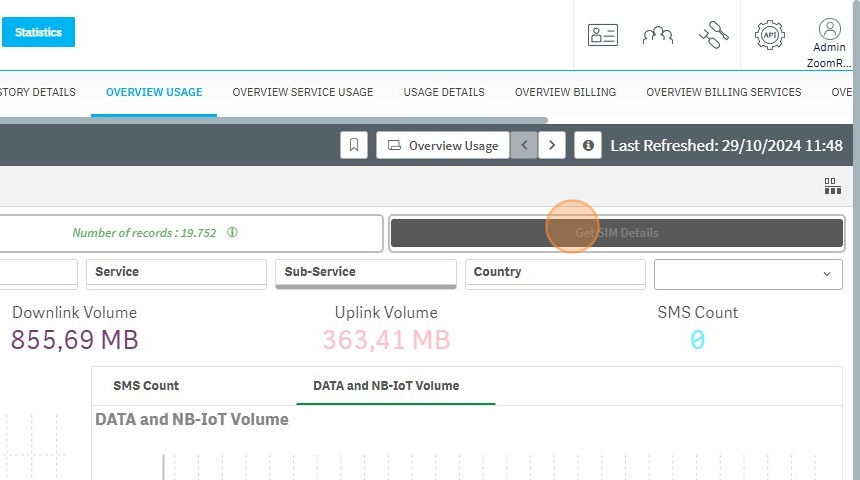
10. Click "Get SIM Details" [[and it will launch a new tab]]
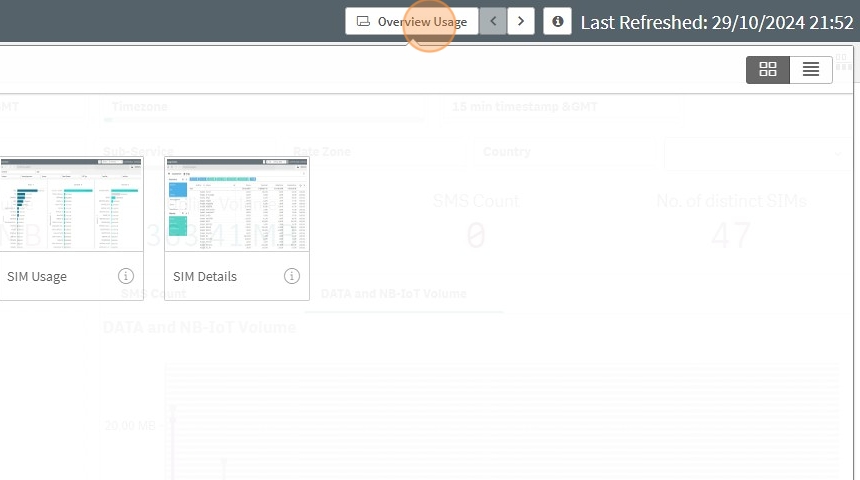
11. [[Then hit the overview usage tab and change the report to Sim details]]
12. [[The new report will load with a filter table on the left, from there select your filters and add the ICCID, endpoint, visited operator, and any other details.]]
13. On Filtertab on the left Select "ICCID"
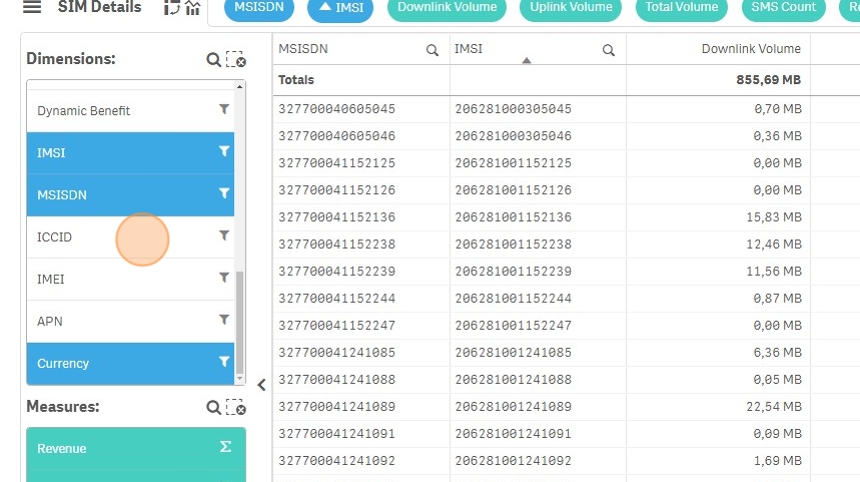
14. Click "Period Dimension" and turn that off with the slider and this will take out the daily usage and just show the month of October or the month that you previously set in the report

15. Right-click "any ICCID"
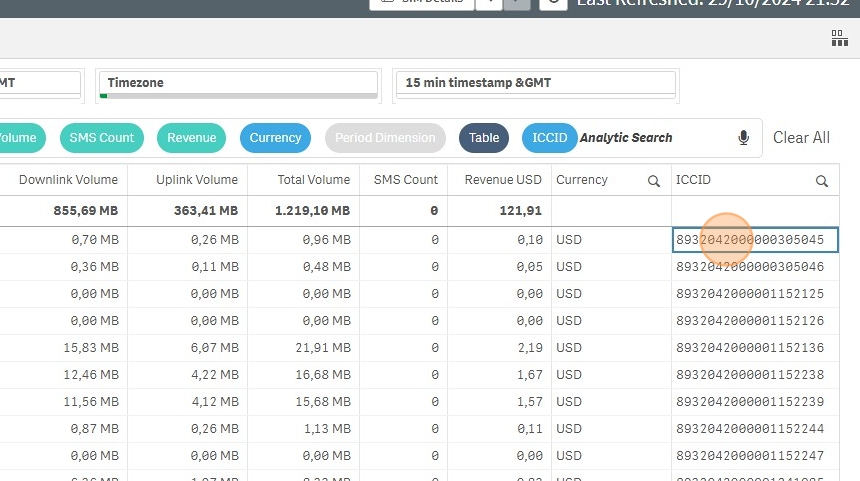
16. Click on 3 dots.
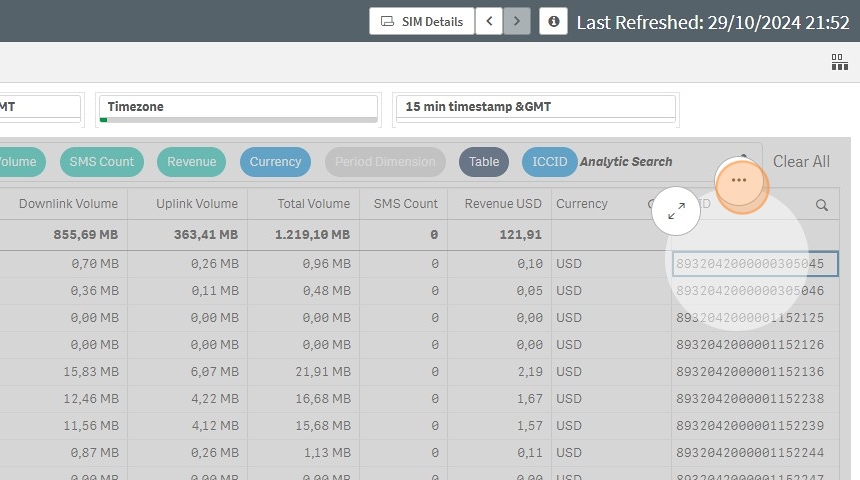
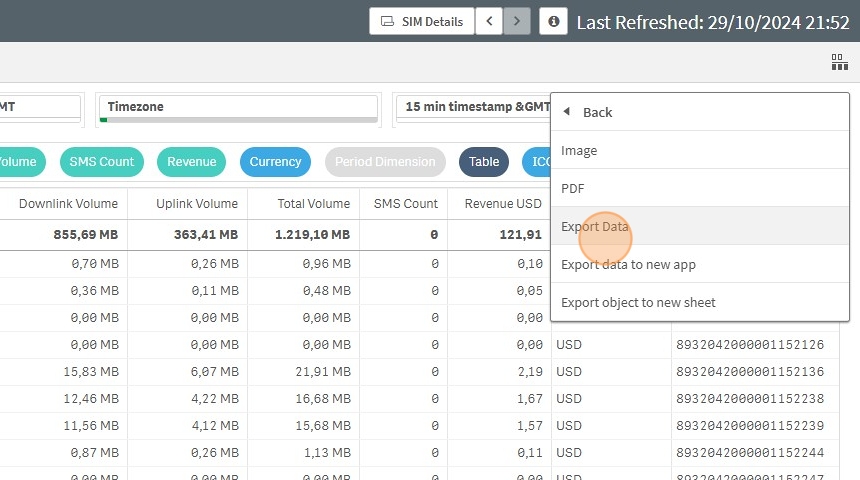
17. Click "Download as..." and pick the format

18. Export data will export to a excel file